.png)
Summary
READ ITWe may be in a world dominated by social media and digital content, but offline moments still matter in building your brand.
Think events, trade shows, pop-ups, networking events, or client meetings. These settings put you directly in front of potential customers or clients, giving you a rare chance to make your brand feel personal and memorable. If your offline branding here is sloppy or outdated, it can weaken your brand’s credibility, even if you have the strongest online presence.
This is where physical business cards shine. Aside from quickly sharing your information during those busy events, it’s a great way to show your brand identity and give your audience a tangible item to remember you by.
The good news is that you don’t need to hire a designer or spend long hours editing just to make an outstanding business card. Tools like Design.com’s business card maker can help you create a card with their wide variety of customizable templates. But how does it work? And is it really the best tool you can use in the market? We answer all of that in our review below so make sure to scroll down to read it.
What is Design.com?
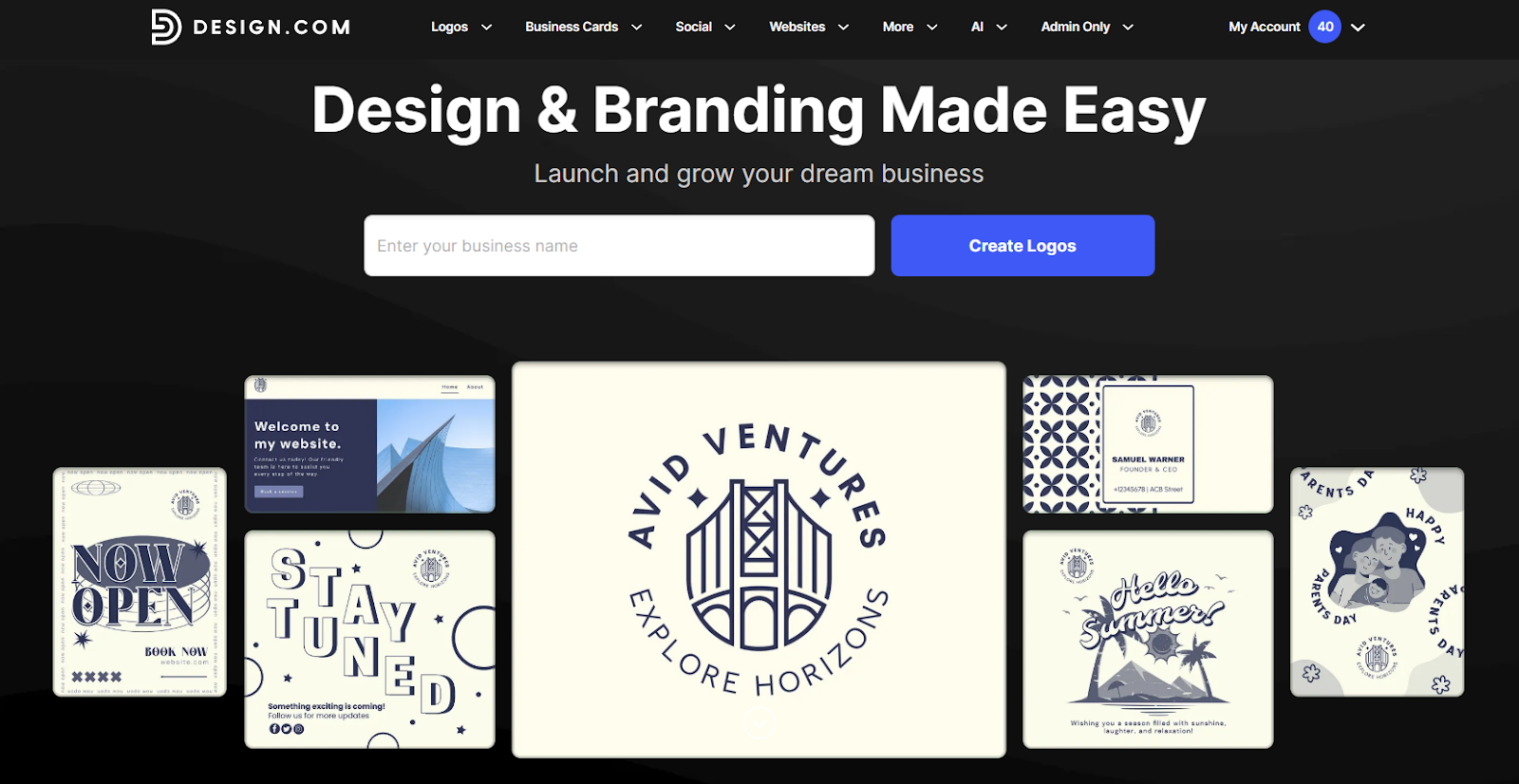
Before we do a deep dive into their business card maker tool, let’s first explain what Design.com is.
Design.com is an online design platform that helps businesses and individuals create brand assets quickly and professionally. They do this by offering pre-made templates that users can just customize to fit their needs, instead of starting everything from scratch. This ensures you can produce high-quality content even if you don’t have any technical design skills.
Instead of specializing in one thing (say just video editing or logo creation), Design.com positions itself as an all-in-one platform. Design.com offers tools for digital content such as social media graphics, video, and animation, to print collaterals like posters and flyers. This allows their users to build cohesive visual identities across multiple online and offline channels.
Some of the features that make Design.com stand out:
- Massive Template Library: Over 1 million design templates spanning logos, social media posts, presentations, flyers, posters, and more.
- Extensive Font Collection: Access to 750+ fonts, including 525+ exclusive typefaces, giving you flexibility to match your brand’s voice.
- Custom Shapes and Graphics: More than 62,000 vector shapes, icons, and illustrations to enhance your designs.
- Professional-Grade Output: Templates are created by top designers all over the world, ensuring each piece is high-quality and professional grade.
- AI Design Tools: AI tools like an AI logo generator, AI website builder, or AI background remover for a faster design process.
- Brand Kit Creator: Your logo styling will automatically apply across multiple materials for a more consistent branding.
- Multiple File Downloads: High-resolution downloads are available for both print and digital use.
What is Design.com Business Card Maker?
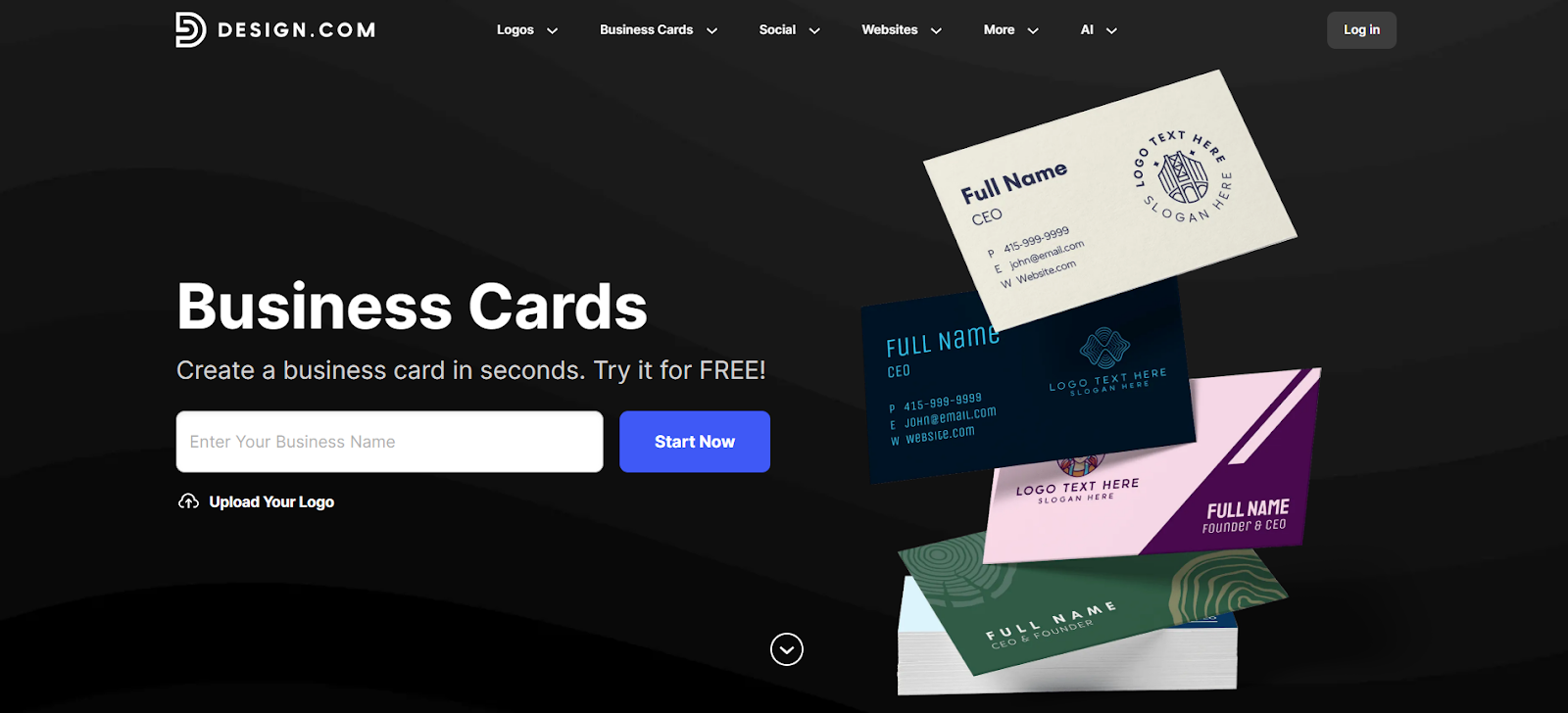
The Design.com Business Card Maker is a specialized tool within the platform that focuses on helping users create professional, print-ready business cards. It combines the platform’s template library, customization tools, and AI capabilities to make it easy to design cards that reflect your brand identity.
Here’s what the Business Card Maker offers:
- Extensive Template Library: Find thousands of business card templates suitable for various styles, businesses, or niches.
- AI Business Card Generator: Want a speedier design process? Enter your business name or keywords in the AI business card generator to get multiple unique design options automatically.
- Beginner-friendly Editor: The drag-and-drop editor is simple and straightforward, which allows users of all skill levels to create high-quality results.
- Full Customization: Adjust fonts, colors, layouts, shapes, or gradients in the template to create a card that is more unique.
- High-Resolution Downloads: Export your card in PNG, JPG, SVG, EPS, or PDF for digital or print use.
- Print Options: Choose quantities, single or double-sided printing, corner styles, and finishes (matte, glossy, premium).
- Unlimited Edits: Make as many revisions as you want without worrying about additional costs.
- Unlimited Generation: Users can generate or refine endlessly in the AI business card generator, no caps or limits unlike in other AI platforms.
- 24/7 Support: Get access to Design.com’s support team for questions about editing, exporting, or printing.
- Royalty-Free License: Commercial usage rights included for all exported designs.
We find the Design.com Business Card Maker to be the top business card maker for anyone who wants professional and high-quality cards without the hassle. It’s best for users who want visually appealing and on-brand cards even if they don’t have the design skills nor the budget to do so.
How the Design.com Business Card Maker Works
Design.com offers two approaches to creating business cards: the standard editor and the AI generator. Both lead to polished results but serve different workflows depending on the creative control you want.
Let’s take a look at both of them:
Standard Business Card Tool Workflow
- Choose a Template: Browse through professionally designed card templates and select one that aligns with your brand.
- Customize Text and Details: Add your name, title, business name, phone, email, website, or any other relevant info.
- Adjust Fonts and Colors: Use the platform’s font library and color picker to match your brand palette.
- Refine Layout: Move elements, resize boxes, and adjust spacing to achieve the right balance.
- Add Shapes or Effects: Incorporate custom vector shapes, gradients, or curved text to give your card more personality.
- Preview: Check your design in a mockup to ensure it will look right in print.
- Export or Print: Download high-resolution or vector files, or order printed cards with your preferred options.
Because you have unlimited edits, you can tweak your business card design over and over without worrying about extra costs. You also have access to a comprehensive editor tool, giving you a lot of creative freedom to make the design truly yours.
AI Business Card Generator Workflow
- Enter Business Name and Keywords: Provide your brand name and descriptive keywords (e.g., “minimal,” “modern,” “luxury”).
- Generate Designs: The AI quickly produces multiple unique business card options based on your inputs.
- Shortlist Favorites: Favorite or compare designs to narrow your choices.
- Refine Prompt: Adjust keywords if the initial designs aren’t perfect and regenerate new options.
- Customize Chosen Design: Use the editor to tweak fonts, colors, layouts, shapes, and gradients.
- Preview and Export: View a mockup and export digital or vector files for printing.
The AI tool is especially helpful if you’re short on time or want inspiration for a distinctive design without browsing hundreds of templates. And because you're guiding the AI with your own words, you also have more creative control than just picking a fixed template.
Design.com Business Card Maker Tool Pricing
Design.com has free business card templates available for download. You can easily find these cards as they are those marked “Free” on the upper left corner. These cards are totally free, no watermarks or hidden charges.
But if you want to use the premium business card templates, you’ll have to subscribe to a plan. Design.com offers flexible pricing depending on the features you need:
.png)
We find the $3/month plan to be cost-effective compared to most platforms. The $6/month plan is ideal if you also want to build a website alongside your branded assets.
How about if you want to print your cards? Pricing for printed business cards will depend on quantity, sidedness, corner style, and finish. So there is no fixed price. Free worldwide shipping is included.
Best Practices for Business Card Design
Even with a powerful tool like Design.com, following these best practices ensures your cards are effective and memorable:
- Keep it Simple: Limit text to essential information. Stick to the channels you actively use instead of listing down every single detail about you.
- Prioritize Readability: Choose fonts that are legible at small sizes. Maintain proper spacing at all times.
- Maintain Brand Consistency: Match colors, typography, and style with your other brand assets.
- Consider the Hierarchy: Emphasize your name or brand first, followed by title, then contact details. This ensures your audience’s eyes will go to the most important information first.
- Leverage White Space: Don’t fill every inch of the card. Space improves readability and perceived professionalism.
- Consider Print Finish: Matte, glossy, or premium finishes impact how your card feels in hand (and also what brand identity it gives off!).
- Test or do Mockups: Preview the design digitally and, if possible, print a sample before ordering large quantities.
Following these tips ensures your Design.com business card is visually appealing, practical, and reflective of your brand identity.
Final Thoughts
We find the Design.com Business Card Maker to be a great beginner-friendly solution for anyone looking to create professional business cards quickly and effectively. Whether you prefer to work with their wide range of pre-made templates or use AI to generate ideas, the platform provides all the tools needed to design cards that are polished, brand-aligned, and print-ready. Combined with flexible export options and easy print ordering, Design.com is a strong choice for entrepreneurs, freelancers, and small businesses who want a professional image without the complexity of traditional design software.